
Home > Recover Google Classroom Data > Overview
Download this articleRecover Google Classroom Data
To select the backup data that you want to recover, you can choose Search mode or Calendar mode:
-
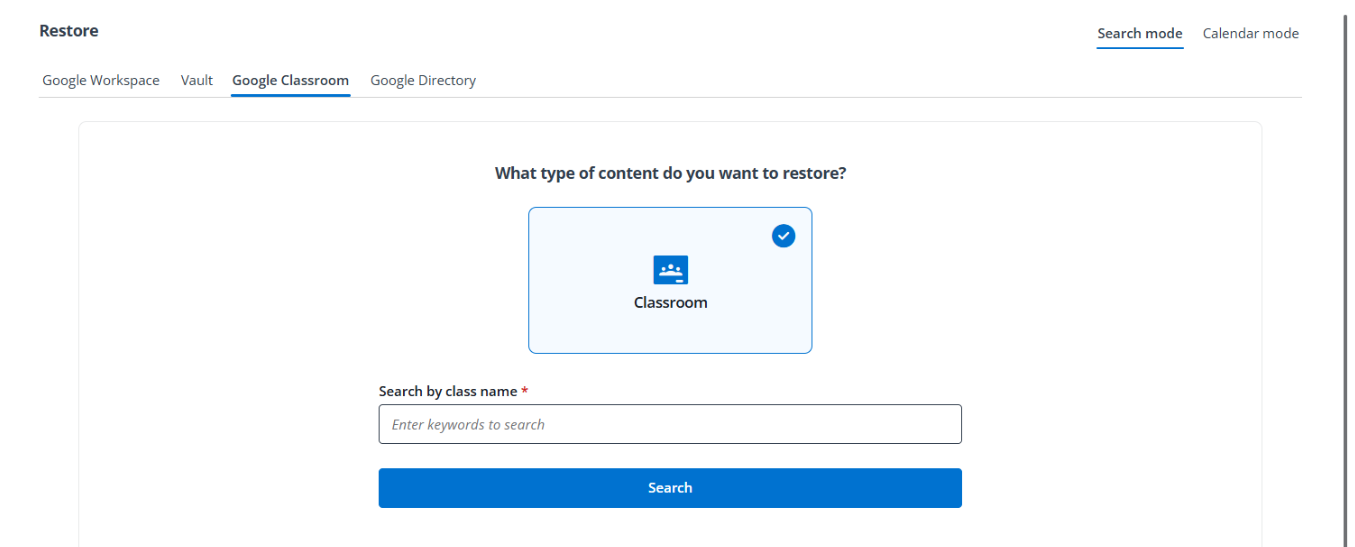
Search mode – In this mode, you can configure search conditions based on the properties of the objects that you want to recover, and then select your desired backup data from the search results to perform a data recovery.
In the Search mode, you can refer to the following instructions to recover data: Recover a Whole Class via Search Mode and Recover Selected Items in a Class via Search Mode.
-
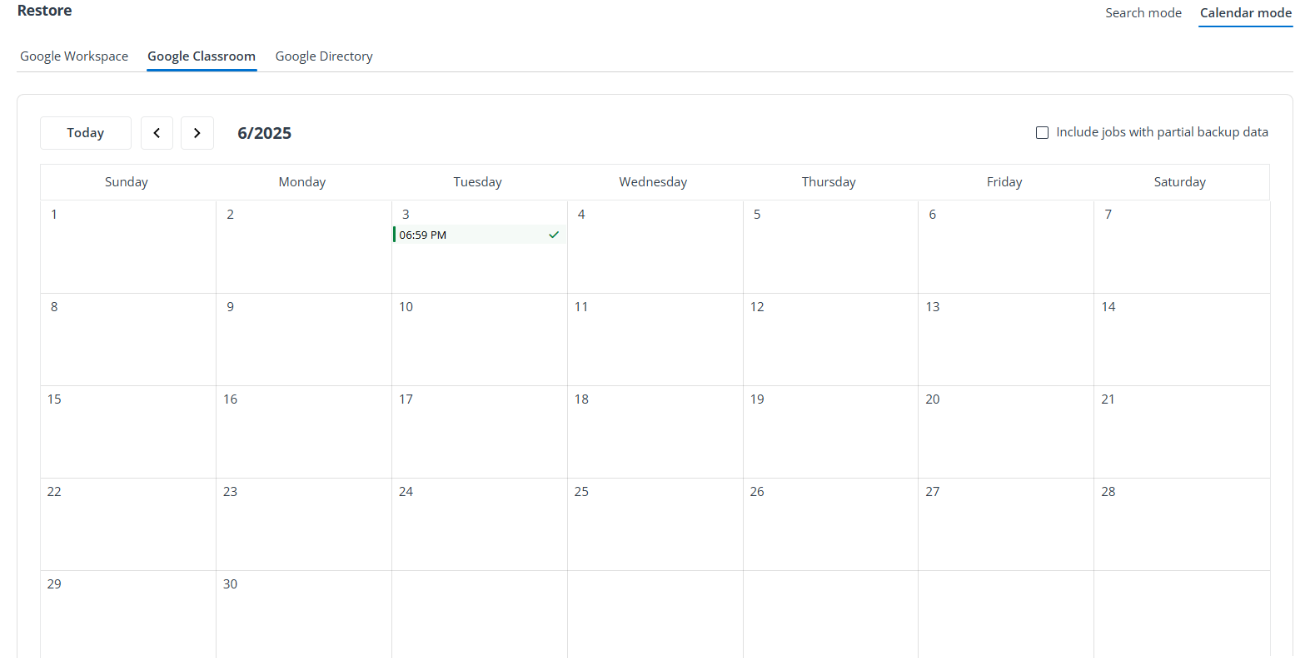
Calendar mode – In this mode, you can browse backup jobs via a calendar view, and then select your desired recovery points to drill down to the specific objects that you want to recover.
In the Calendar mode, you can refer to the following instructions to recover data: Recover Classroom Data via Calendar Mode and Bulk Restore for Classes.
For more information on the data types that are supported or unsupported, see Classroom Data Types.
The Grades data can only be recovered through the Export method.