Home > Configure Microsoft Settings
Download this articleConfigure Microsoft Settings
You can configure the settings of the following Microsoft modules for the source tenant based on which you want to create a template. Refer to the following links for more information about the settings:
-
Microsoft Entra ID:
-
Microsoft Endpoint Manager:
-
Exchange Online:
-
SharePoint Online, OneDrive:
-
Microsoft Teams:
For some modules, not all settings are supported by Nitro. Refer to the User Guide for details.
Preparations for Creating a Template
If you want to create a template with Microsoft settings, the following steps are required.
-
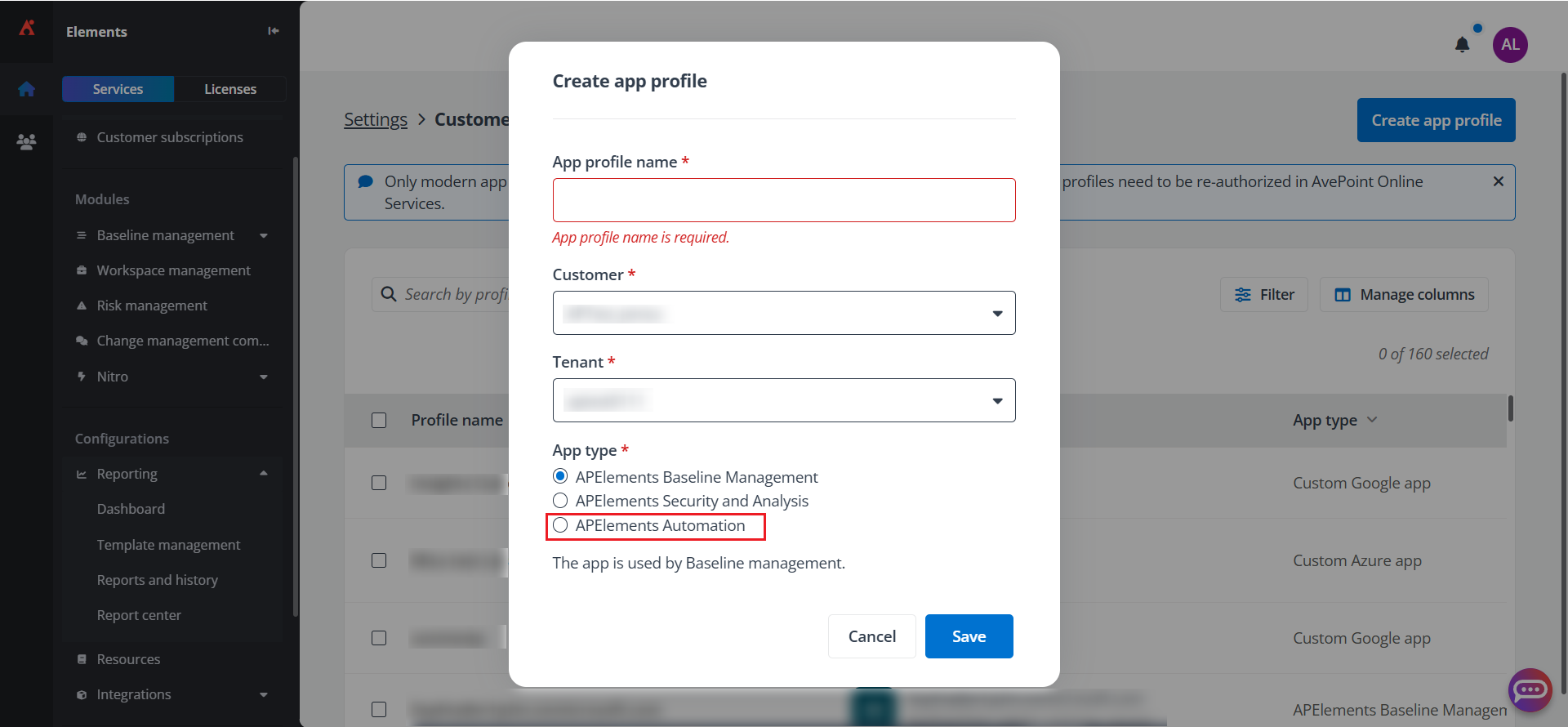
Log in to Elements and create a customer app profile for your source tenant in Settings > Additional > Customer app profile. The app type should be APElements Automation. For the permissions that should be accepted when you authorize the corresponding app, see Manage Customer App Profiles.
 NOTE
NOTEA Microsoft 365 Global Administrator account is required to create or re-authorize the apps.
-
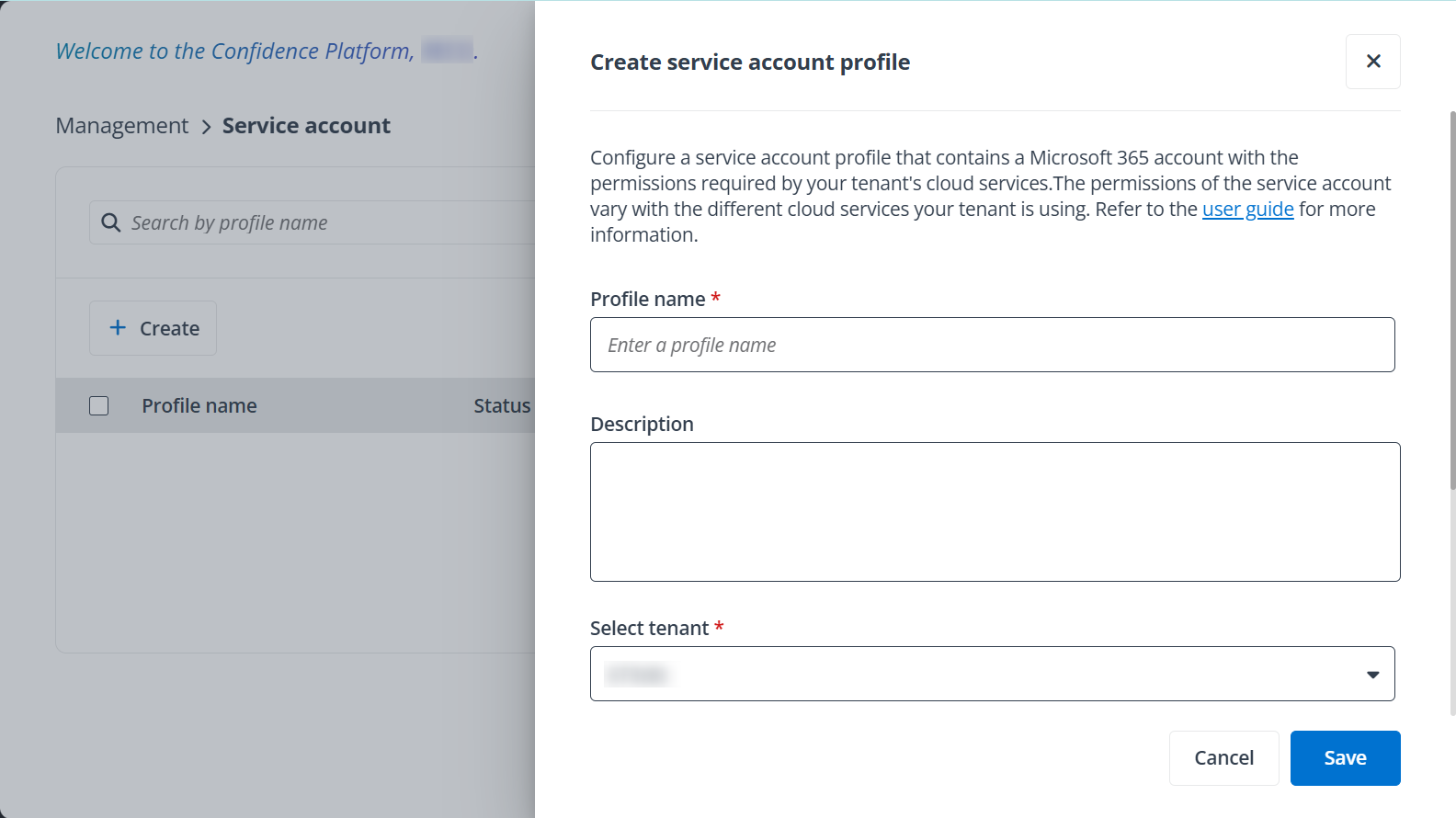
Log in to AvePoint Online Services and create a service account with a Global Administrator for your source tenant in Management > Service account. A service account is needed when you export Exchange Online and Microsoft Teams settings. Refer to Service Account for details.