
Schedule Plan
You can view the details of scheduled Aviator jobs across all workspaces in Schedule plan.
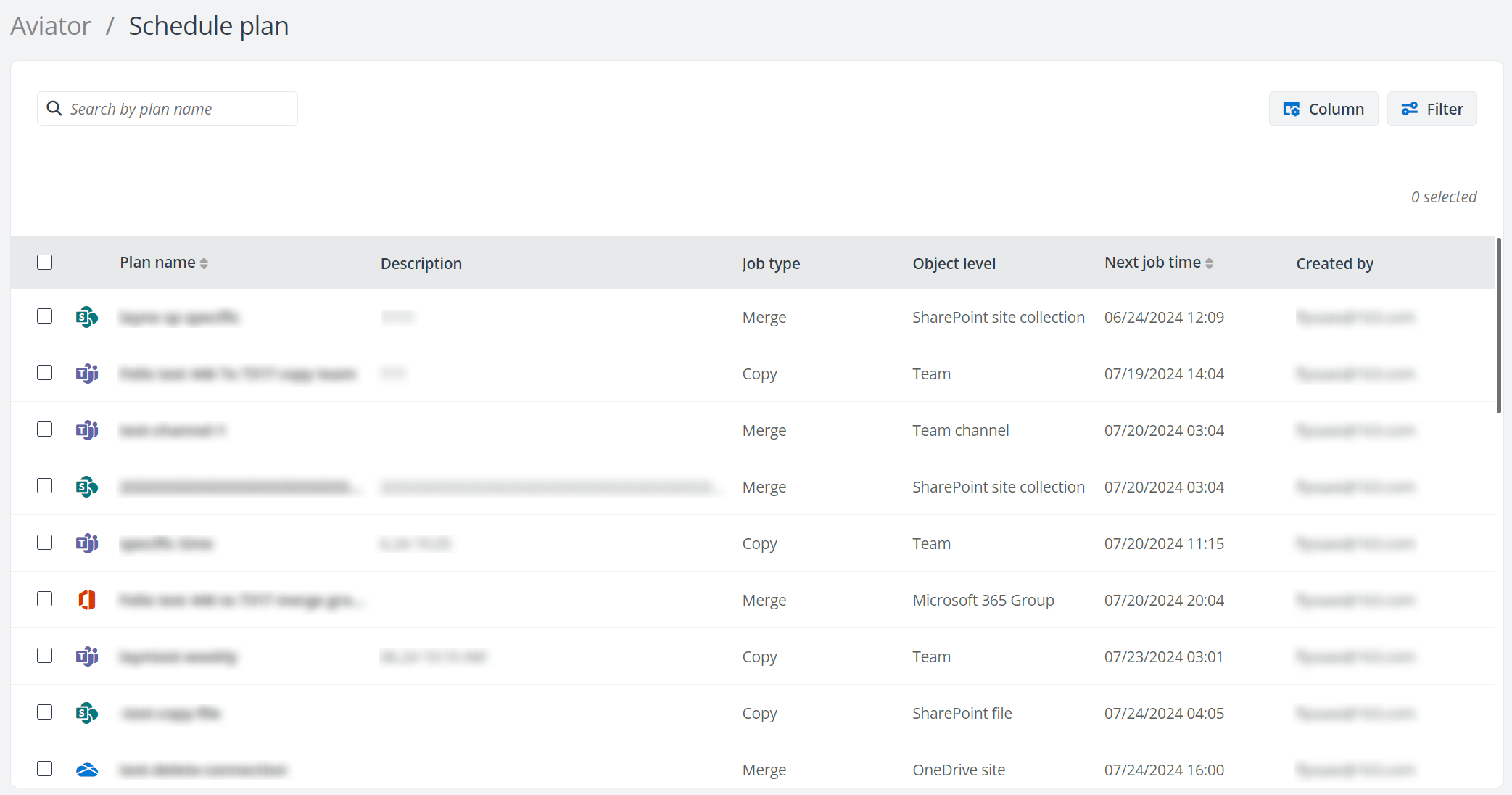
You can perform the following actions on this page:
-
Filter – Click Filter to filter scheduled Aviator jobs by Workspace, Job type, and/or Object level.
-
Manage columns – Click Column to select the columns you want to display on the page, and click Apply to apply the configurations. The Plan name column cannot be deselected.
-
Search – Search scheduled Aviator jobs by entering the keyword of the schedule plan name.
-
Edit plan – Select a schedule plan and click Edit plan to edit the plan details.
-
Delete – Select one or more schedule plan and click Delete to delete the plans.
このページの内容