
Microsoft 365 Subscriptions
AvePoint solutions support Microsoft 365 solutions and count the total number of users with assigned licenses as described in the sections below. You can identify the number of Assigned Licenses in Microsoft 365 by navigating to the Microsoft 365 admin center > Billing > Licenses. The total quantity reported by AvePoint will be the total of all the assigned licenses.
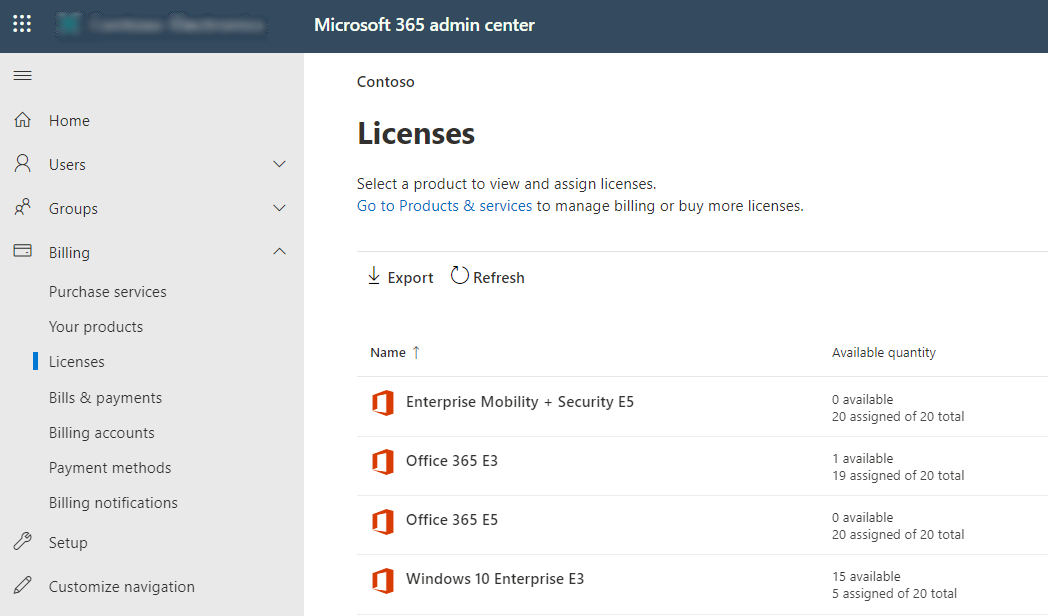
An example: 200 E5 Licenses + 800 E3 Licenses = 1000 Microsoft 365 Users reported by AvePoint Online Services. If 100 users have been assigned licenses of both E5 and E3, the total number of assigned user seats will still be calculated as 1000.
On this page