
Home > Manually Run a Backup
この記事をダウンロードManually Run a Backup
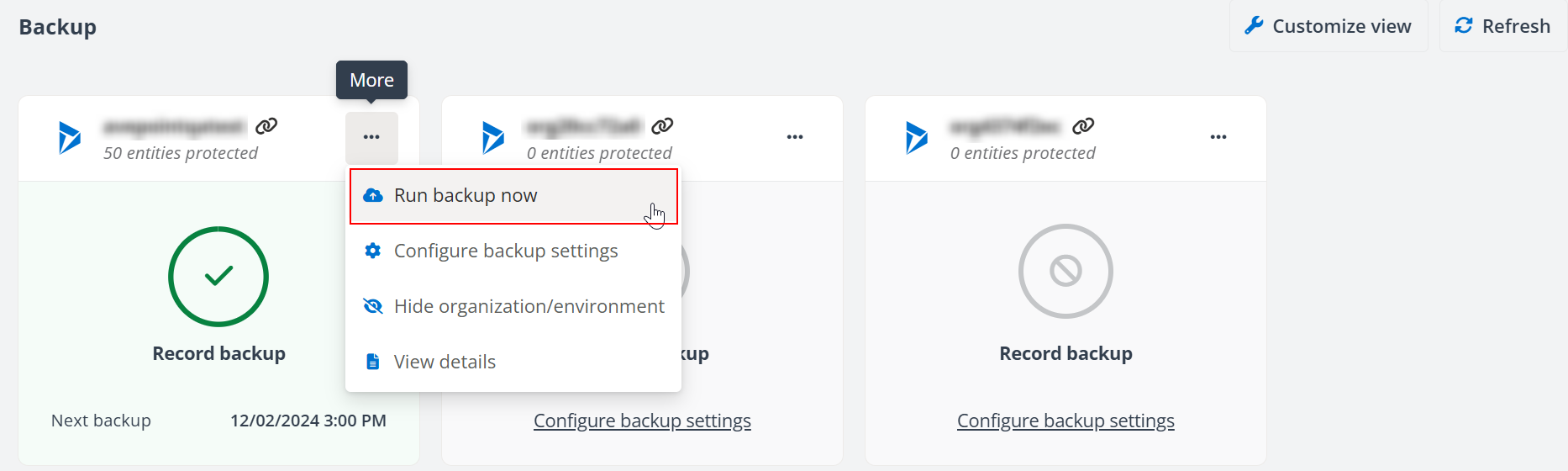
To run a manual backup for an organization/environment, go to the Backup page, click the More actions (...) button on the corresponding tile, and select Run backup now.
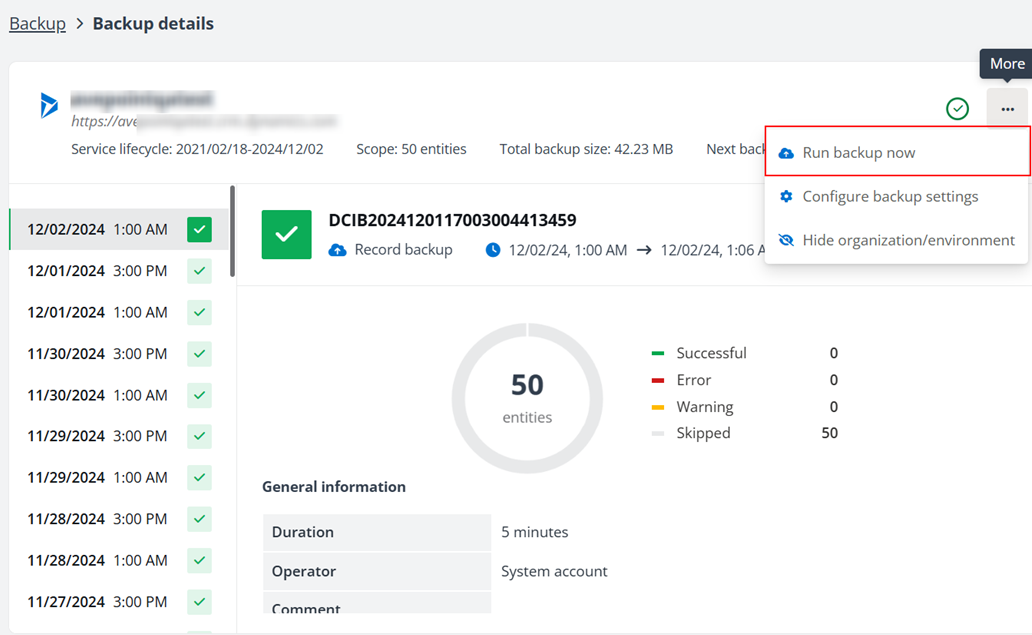
The Run backup now option is also available on the Backup details page.
このページの内容