
Home > Create a Template
この記事をダウンロードCreate a Template
After completing the configurations of Microsoft settings, Policies, and Insights for the source customer tenant, you can export the settings as a template.
-
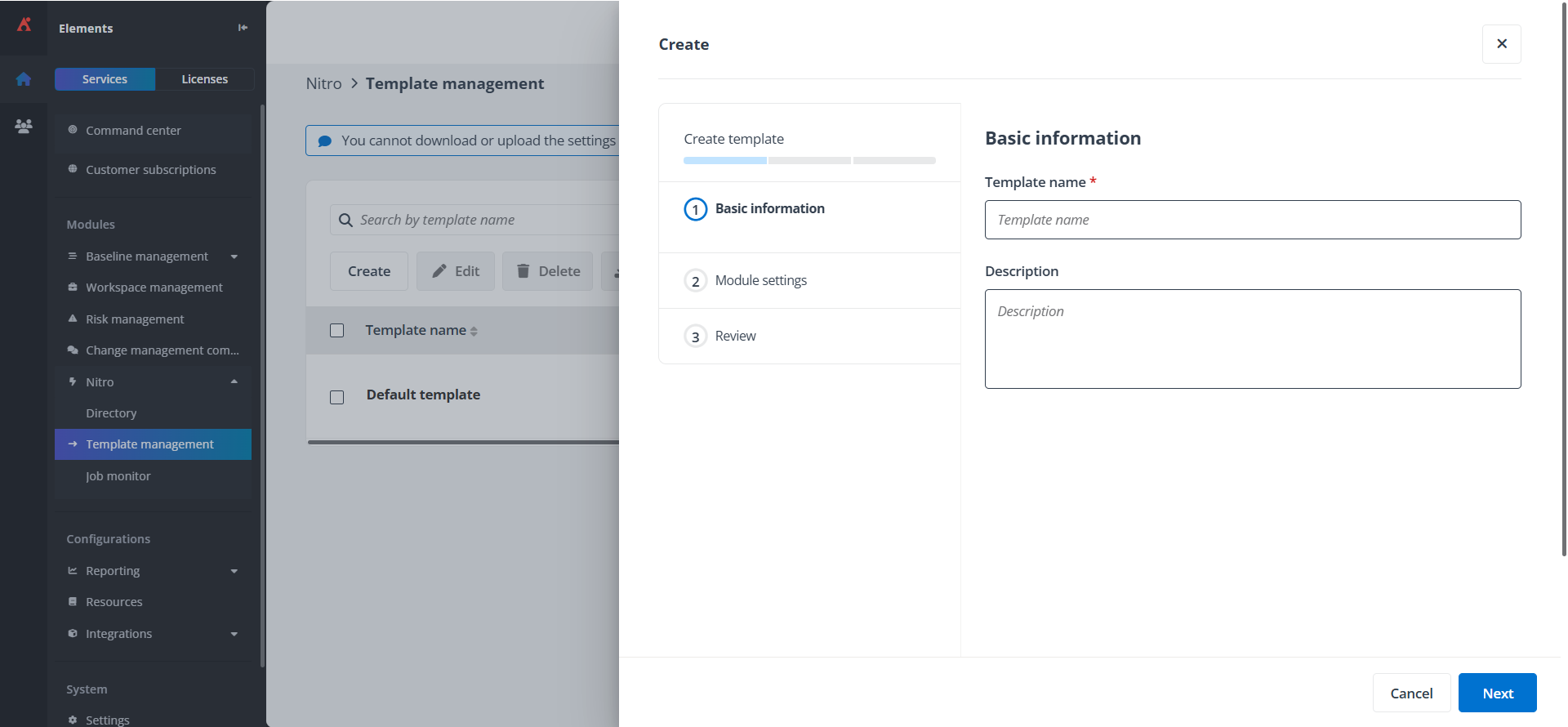
Navigate to Nitro > Template management and create a new template.
-
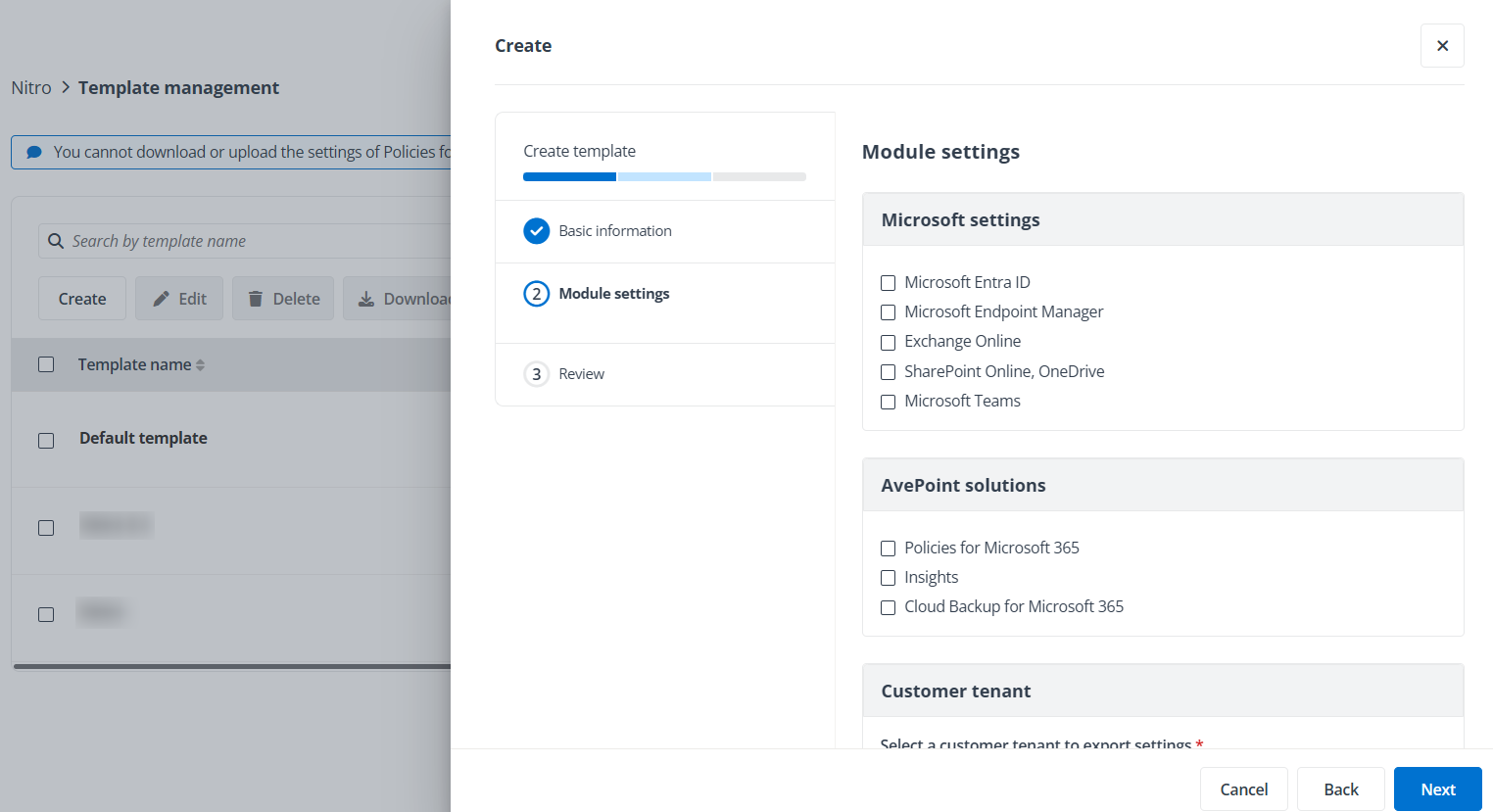
Select modules of Microsoft settings and/or AvePoint solutions of the source tenant you want to export, select the source customer tenant, and click Next.
-
Review the settings of the selected modules and solutions, and click Save.
このページの内容