
Home > Check Job Status
この記事をダウンロードCheck Job Status
After you create or apply a template, a template export or application job will start. You can navigate to Nitro > Job monitor to check the job progress and result.
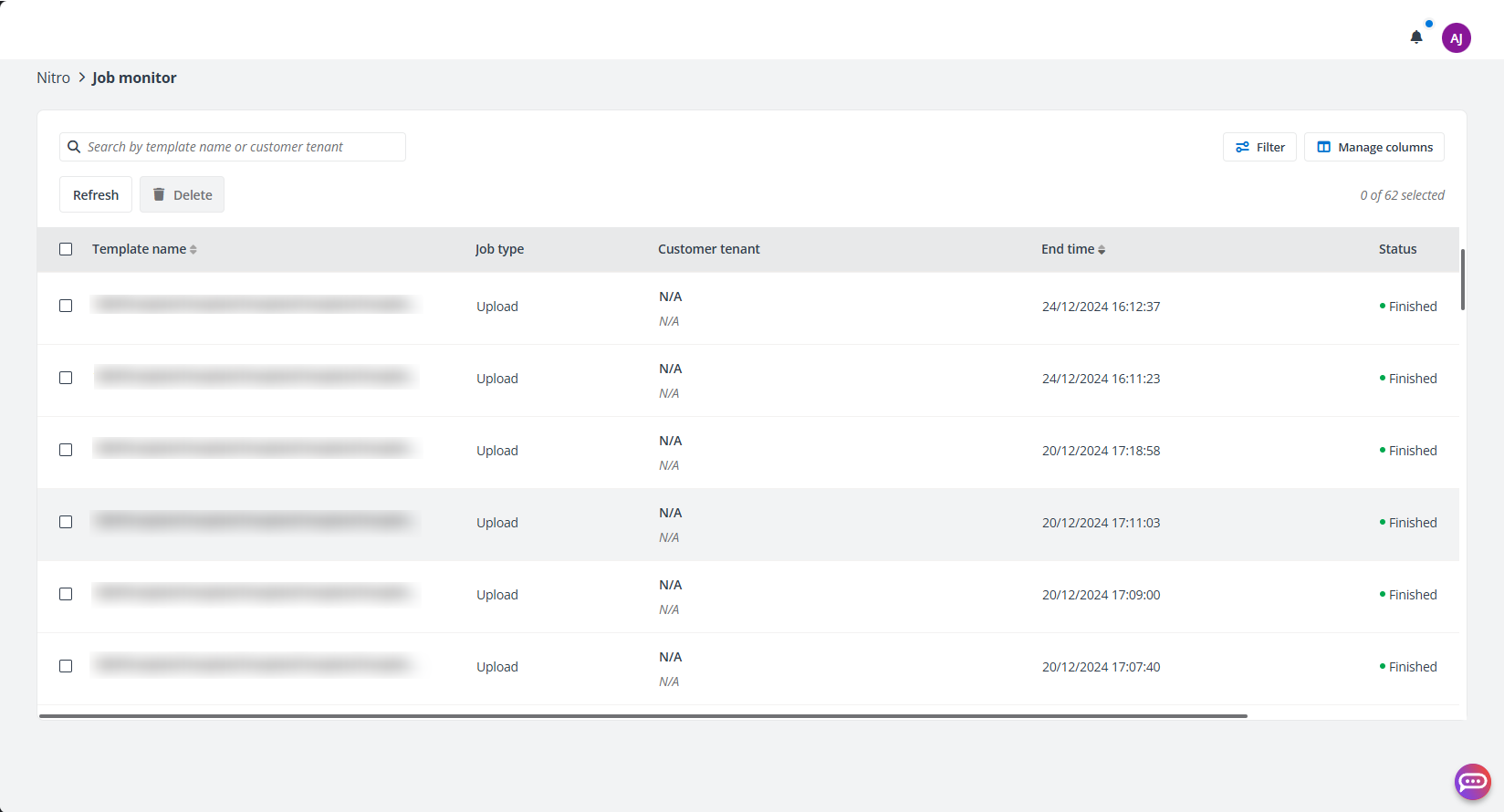
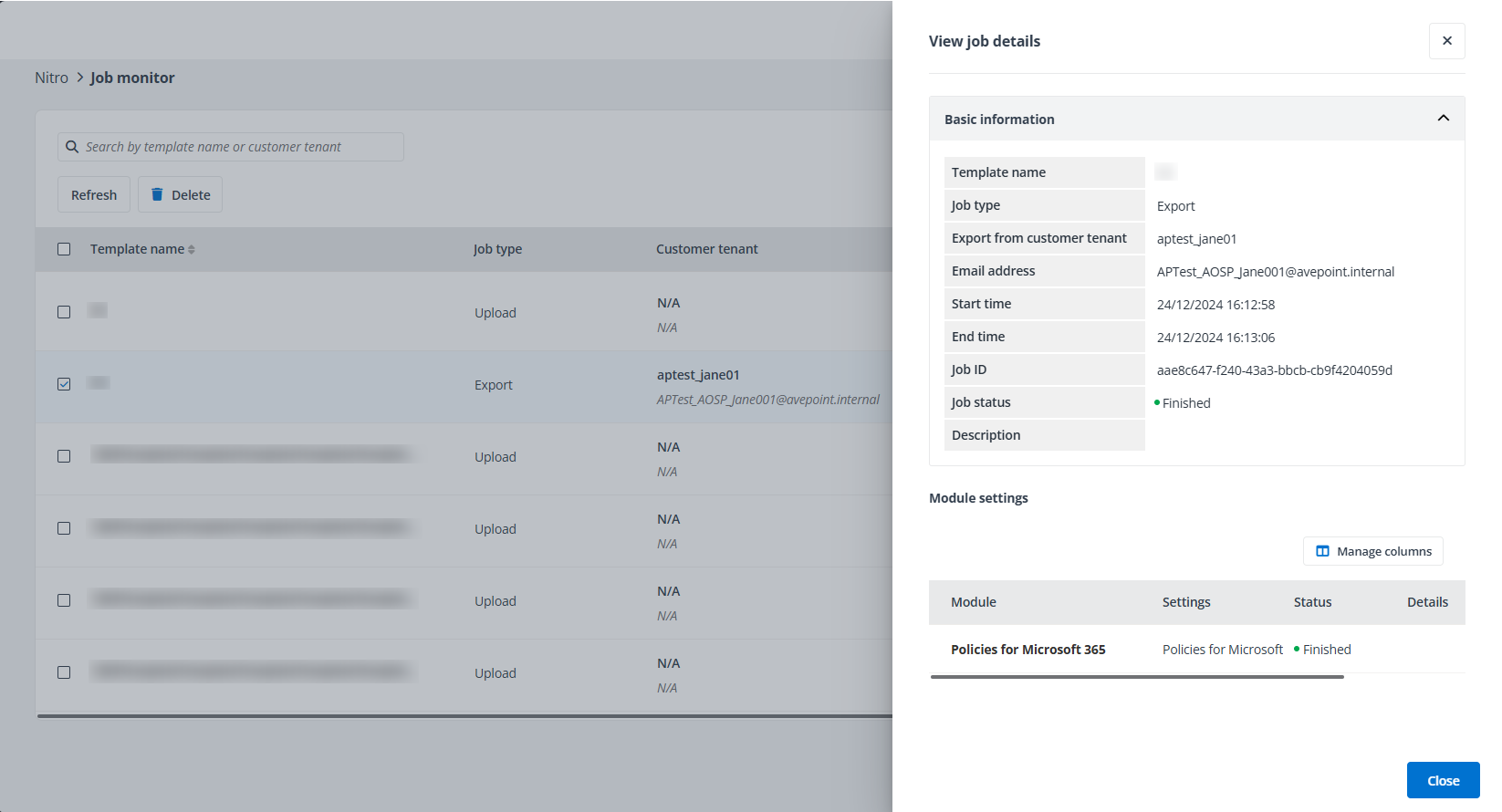
To view details of a job, click the template name. The View job details panel will appear on the right of the page.
このページの内容